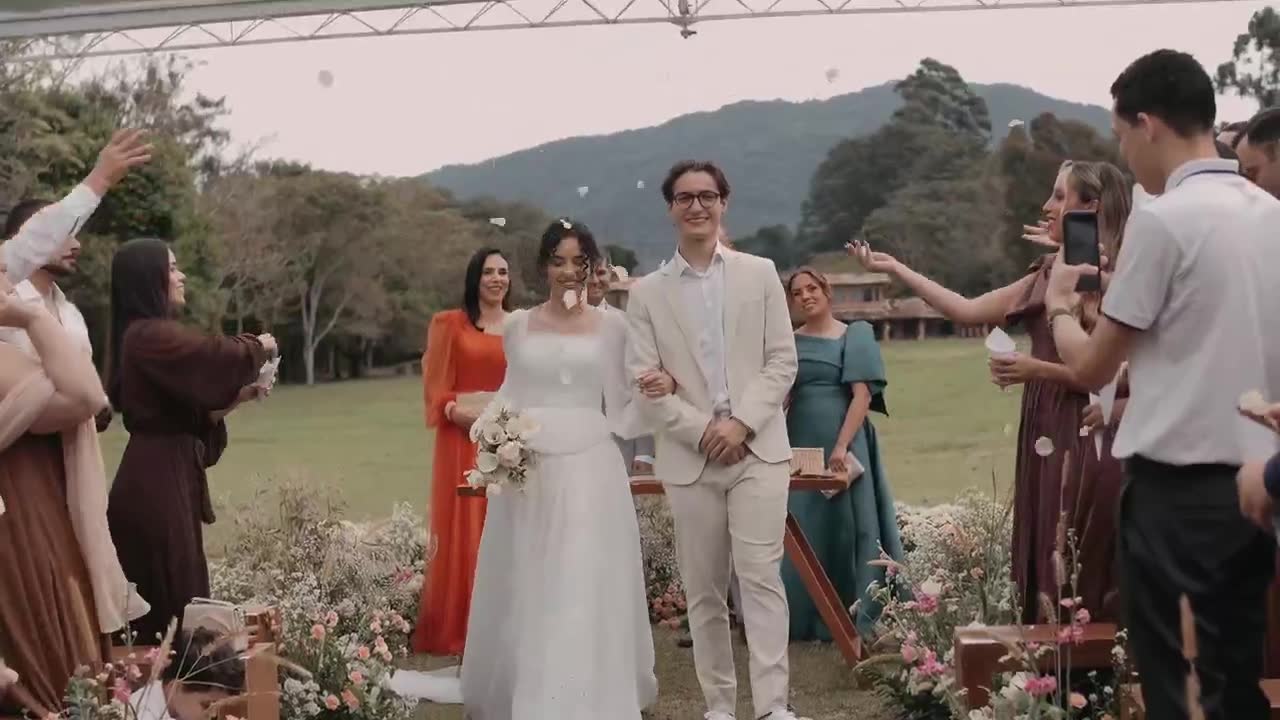
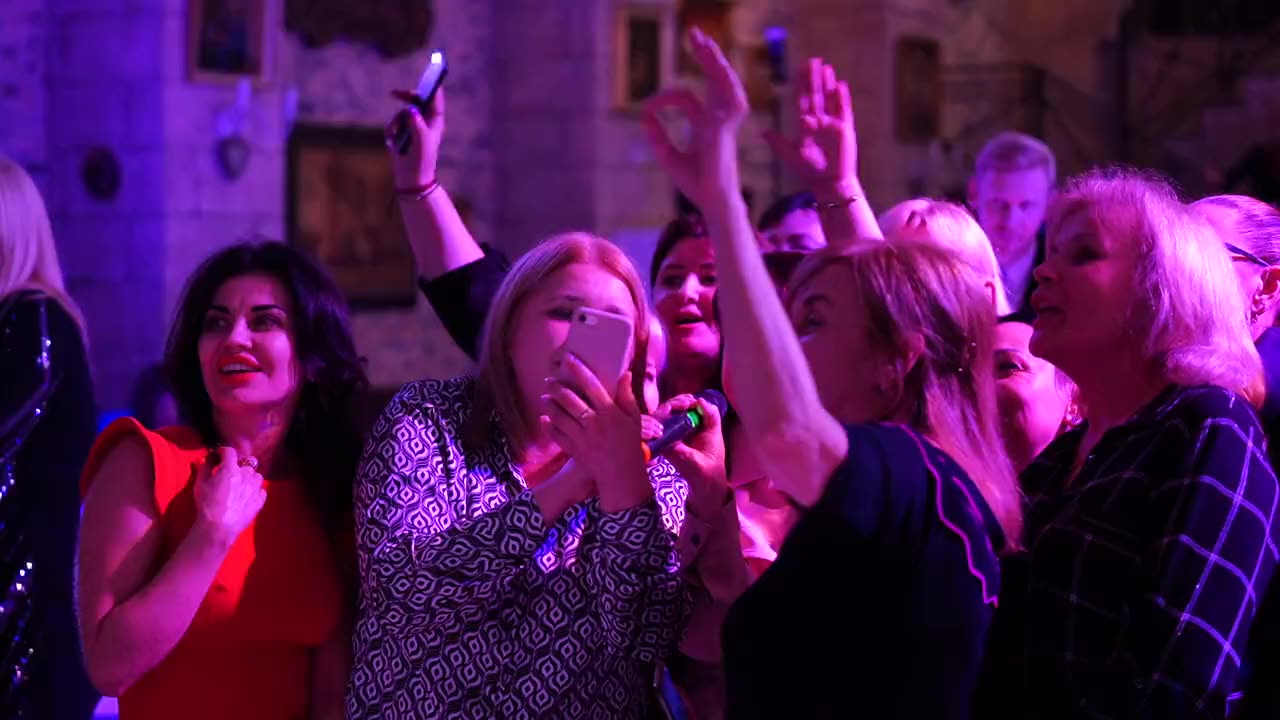
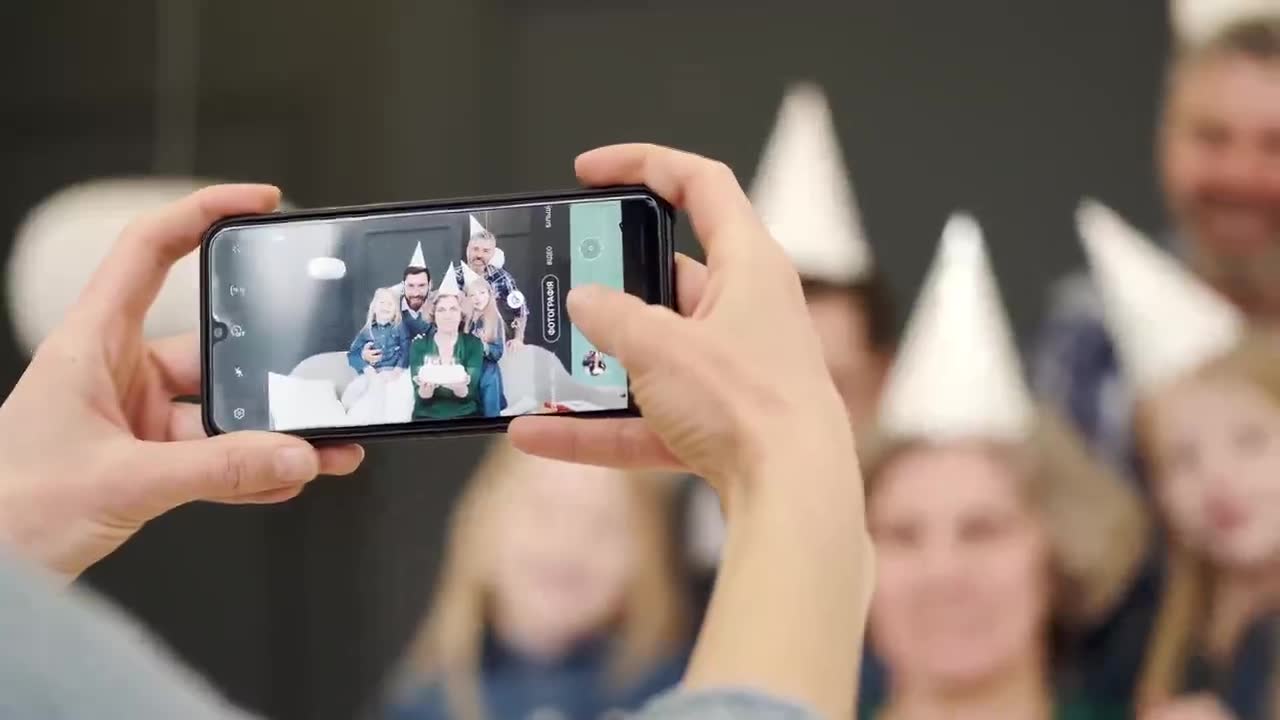
Do more than collect photos. Bring your event to life.
A shared gallery, games, missions, quizzes and votes in one place. Guests join with a QR code, no app to install.
No install. No sign-up. No fuss.
Guests scan a QR code and they are inside the event straight away.
This is not just another photo gallery
A plain gallery collects photos. Viamoo builds a whole event experience around them.
A plain gallery
Collects photos in one place.
Viamoo
- Photos and a shared gallery
- Games, missions and quizzes
- Competition and leaderboards
- Shared memories
- The whole event experience
A messenger app can gather photos. Viamoo builds the whole event experience around them.

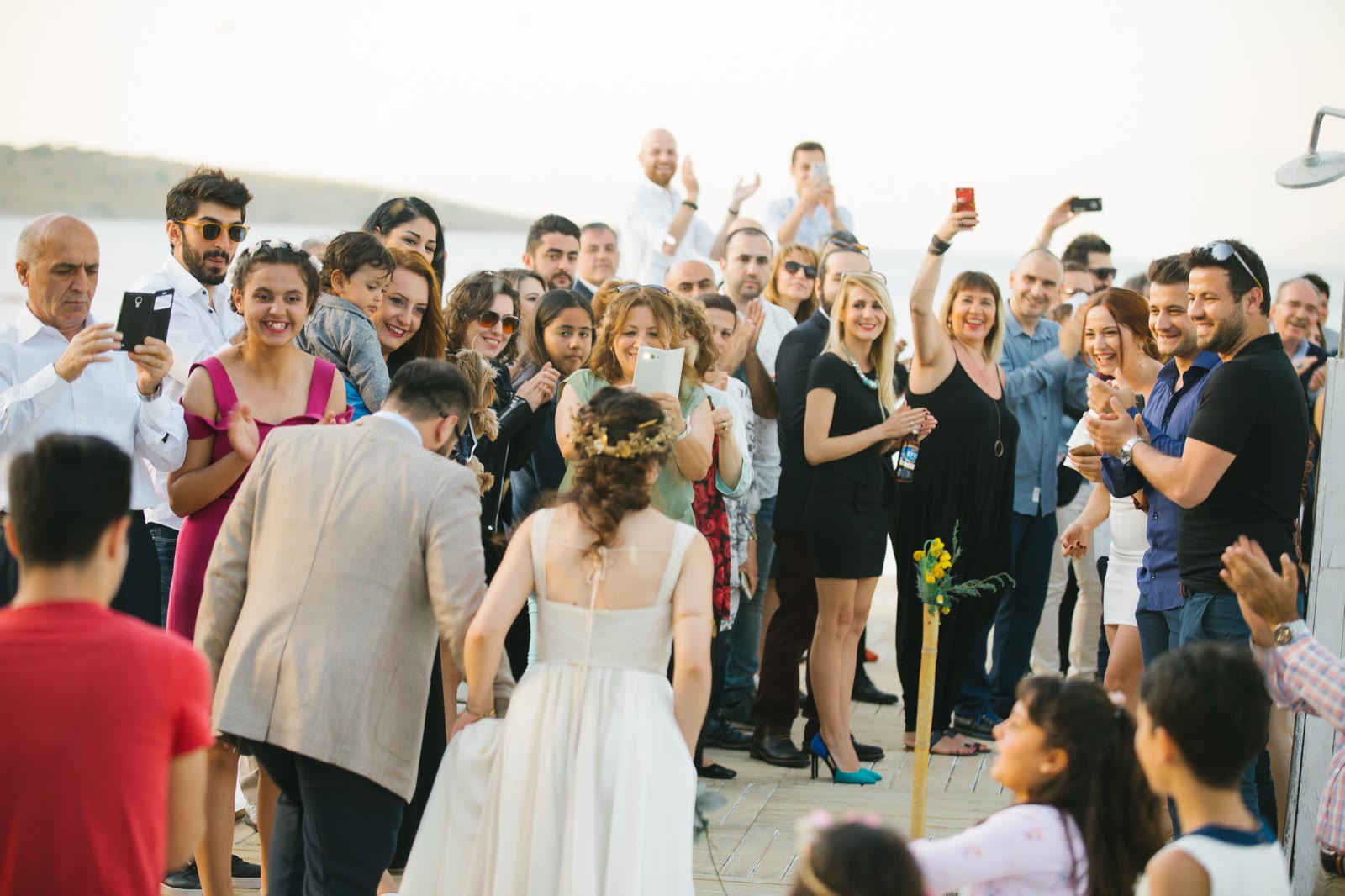
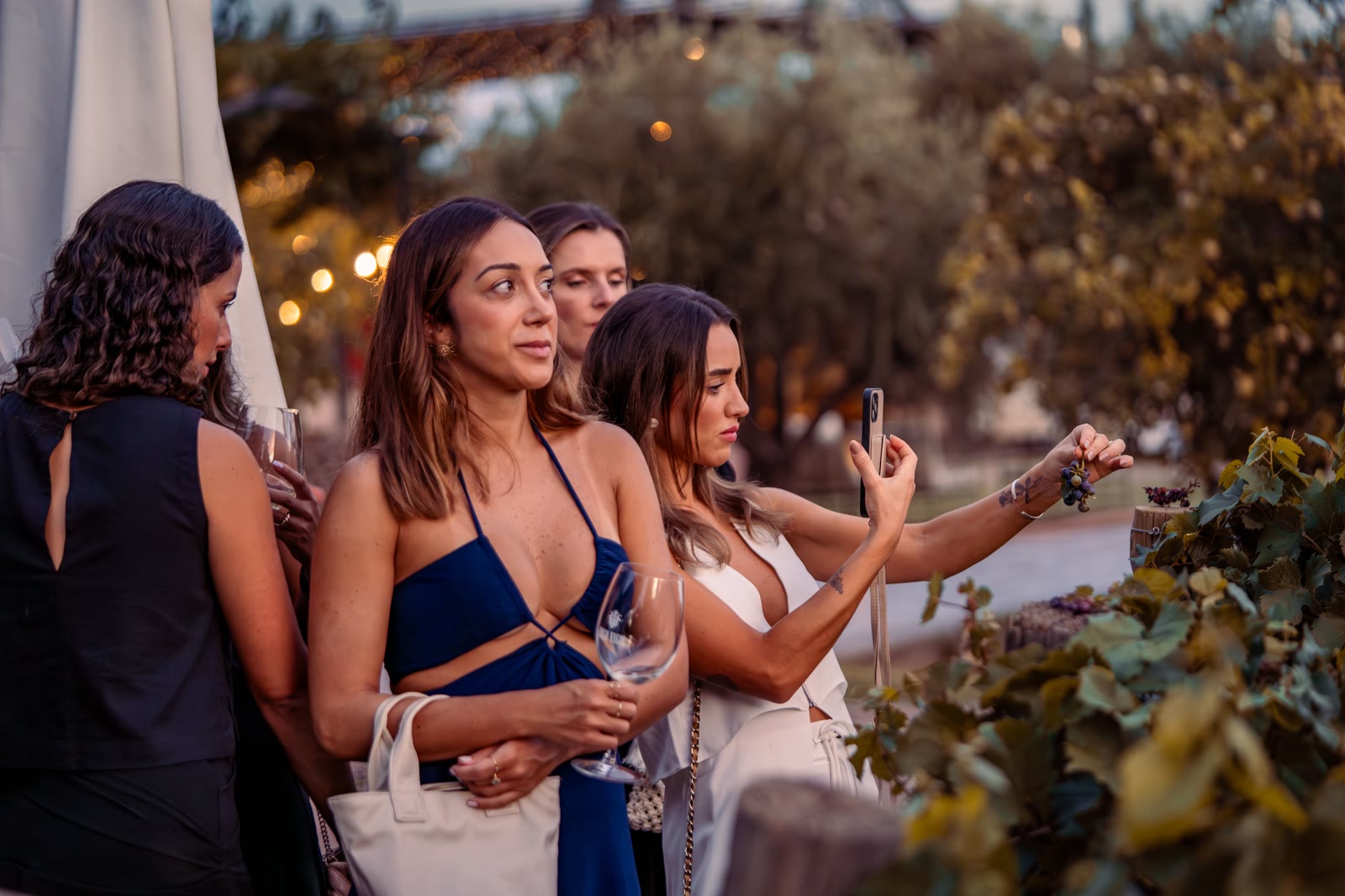
Turn your guests into players
Challenges, points and live leaderboards get guests mingling and snapping more photos - and leave you with a full album of memories.
- Points for completed challenges and missions
- Leaderboards updated in real time
- Photo reactions: heart, laugh, fire
Viamoo works before, during and after your event
One tool that stays with the event at every stage.
Before
- Choose a plan
- Configure the event
- Prepare the QR code
- Pick the features you want
During
- Scan the QR code and join
- Add photos
- Play games and missions
- React and earn points
- Interact with other guests
After
- The gallery stays with the organiser
- Download the photos
- Memory book
- Materials included in your plan
See Viamoo from a guest's side
Scan the QR code and see what taking part looks like from a guest's perspective.

Scan the code with your phone to open a sample event.
What you can do in Viamoo
Pick the feature set that fits your event type and plan.
Shared memories
Shared gallery
Every guest photo and video in one album, live the moment it's uploaded.
Reactions & photo ranking
Guests react to photos - heart, laugh, fire. The leaderboard for the night's best shot updates live.
Guest book
An Instax-style photo + note from every guest. Download it all as a PDF or an HTML gallery keepsake.
Games and engagement
Custom photo bingo
Build your own themed categories for any event. Guests collect matching photos and race for a bingo.
Photo hunt
Every guest gets a to-shoot list - a photo with the DJ, a selfie with someone they've just met, a group shot at the cake. Ticking one off earns points.
Quiz about the hosts
How well do guests really know the couple or the guest of honour? Questions, points and a live leaderboard.
Social missions
High-five 5 strangers, get a group photo of four, meet someone from another team. Perfect for breaking the ice.
Symbol hunt
Everyone gets a hidden symbol and a short code. Find the others who share your symbol - an icebreaker that gets the whole room moving in a minute.
Drinks ranking
A drinks menu with likes - guests vote for their favourites and the leaderboard builds itself.
Event organisation
Schedule
The day's plan always at hand - guests know what's happening and when.
Seating plan
Each guest types their name and finds their seat straight away.
Menu & bar
The food and drinks menu, right inside the app.
Your own address
A name.viamoo.pl link - easy to share and easy to remember.
Modular setup
Switch individual features on and off (gallery, schedule, seating, games…) - guests see exactly what you want them to.
You keep more than photos
Guests leave wishes, memories and messages that, together with the photos, become a digital keepsake of the event. Download it all as a PDF file or an HTML gallery.
PremiumEngage participants. Bring teams together.
Team-building, conferences and anniversaries - Viamoo turns passive participants into engaged players. A shared gallery, games and friendly competition during the event, and an activity report afterwards. Business setups are priced individually - matched to the scale of your event.
- Companies & HR teams
- Event managers
- Event agencies
- Conference organisers
- Wedding planners
- Event venues
Frequently asked questions
Didn't find your answer? Drop us a line - we're happy to help.
How long does the app stay live after the event?+
It depends on your plan: the gallery and features stay available after the event for Starter 7 days, Standard 30 days, Premium 6 months. You also get time to set things up before the event (7, 14 and 30 days respectively). Guests can browse and download photos the whole time. Need more time? An extension will be available to purchase - just get in touch.
Do guests need to install anything?+
No. Everything runs in the phone's browser - just a link or a QR code. No installs, no sign-ups.
What does my event link look like?+
You pick the subdomain yourself, e.g. anna-and-peter.viamoo.pl. Easy to print on an invitation and easy for guests to remember.
Which payment methods do you accept?+
Card and Przelewy24 (BLIK, instant bank transfers). You pay once for the event - no subscription.
What about photo privacy?+
The gallery lives only behind your unique link - it isn't indexed or public. After the event, data is deleted in line with GDPR.
How soon do I get the app after buying?+
Right away. As soon as payment clears, you get the app link and the admin dashboard link at the email you provided.
How many guests can use the app?+
There's no cap on guests - the limits apply only to the number of photos and videos, depending on your plan.
Can I match the look to my event?+
Yes. You set the name, date, background photo, logo and event colours in the admin dashboard (the range depends on your plan).
What devices does it work on?+
Any phone, tablet or computer with a browser. Nothing to install.
Can I download all the photos afterwards?+
Yes. Guests can download individual photos, and on Premium you can grab the whole gallery as a single ZIP archive.
Do I get an invoice?+
Yes - the invoice is generated automatically and sent to your email once the order is paid.
Can I try the app before buying?+
Yes - drop us a line and we'll share a demo so you can click through every feature.
Do guests need to create an account?+
No. Guests join with a QR code or link and use the event straight away, with no registration and no password.
How does the QR code work?+
You share a QR code on the invitation or at the entrance. Guests scan it with their phone and land in the event app in their browser instantly.
Can I delete a photo?+
Yes. A guest can delete their own photo, and the organiser can remove any content from the dashboard.
Are photos moderated?+
Content is not pre-moderated. The organiser moderates guests' posts and photos, and Viamoo can remove unlawful content once notified.
What happens to the photos after the event?+
The gallery and features stay available for a period that depends on your plan (7 days, 30 days or 6 months). After that, the event data is deleted in line with the Terms and the Privacy Policy.
Can I extend access?+
An extension of the availability period will be available to purchase. Get in touch and we'll sort out the details.
Can I buy extra features or games?+
Yes, selected add-ons will be available to add to your plan. For now, get in touch and we'll help you pick the right scope.
How many admins can I have?+
It depends on your plan: Starter 1, Standard 2, Premium 5 admins.
How does the memory book work?+
Guests leave an Instax-style photo and note. You download it all as a PDF file or an HTML gallery as a keepsake. Available on the Premium plan.
Is Viamoo suitable for corporate events?+
Yes. Viamoo engages participants at team-building days, conferences and anniversaries. Larger or bespoke events are priced individually - get in touch.
Simple pricing, no subscription
Pay once for your event. Pick the plan that matches its scale.
Starter
For smaller, simpler events.
- Gallery for up to 300 photos
- Photo Bingo (ready-made categories)
- Day schedule
- Food menu
- Your own subdomain name.viamoo.pl
- 1 admin
- Available 7 days after the event (plus 7 days to set up before)
- Extra features and games available as add-ons
- Community support
Standard
The best choice for most events.
- Gallery for up to 1,000 photos + 20 videos
- Photo Bingo with your own categories
- Pick any 3 games from the full catalogue
- Schedule, seating plan (up to 200 guests)
- Menu & bar, event logo and colours
- QR code generator
- Download every photo (ZIP)
- Guest book available as an add-on
- 2 admins
- Available 30 days after the event (plus 14 days to set up before)
- Email support
Premium
The full Viamoo experience for larger, more demanding events.
- Unlimited photos and videos
- Everything in Standard
- All games (Bingo, Photo hunt, Quiz, Social missions, Symbol hunt)
- Guest book included (Instax, PDF/HTML)
- Download every photo (ZIP)
- 5 admins
- Available 6 months after the event (plus 30 days to set up before)
- Priority support
Your event. Your guests. Your memories.
Bring your event to life and turn guests into players - with no app to install.